
Schedulin is now an official ChatGPT app
Schedulin passed OpenAI's review and is now listed in ChatGPT's plugin directory. Add it in one click and post to TikTok, Instagram, YouTube, X, LinkedIn, and more straight from a chat.
 Troy Underwood
Playbooks, product updates, and honest notes on building a calm social media scheduler. Written by the team, for the people who actually have to post.
Schedulin passed OpenAI's review and is now listed in ChatGPT's plugin directory. Add it in one click and post to TikTok, Instagram, YouTube, X, LinkedIn, and more straight from a chat.
Troy Underwood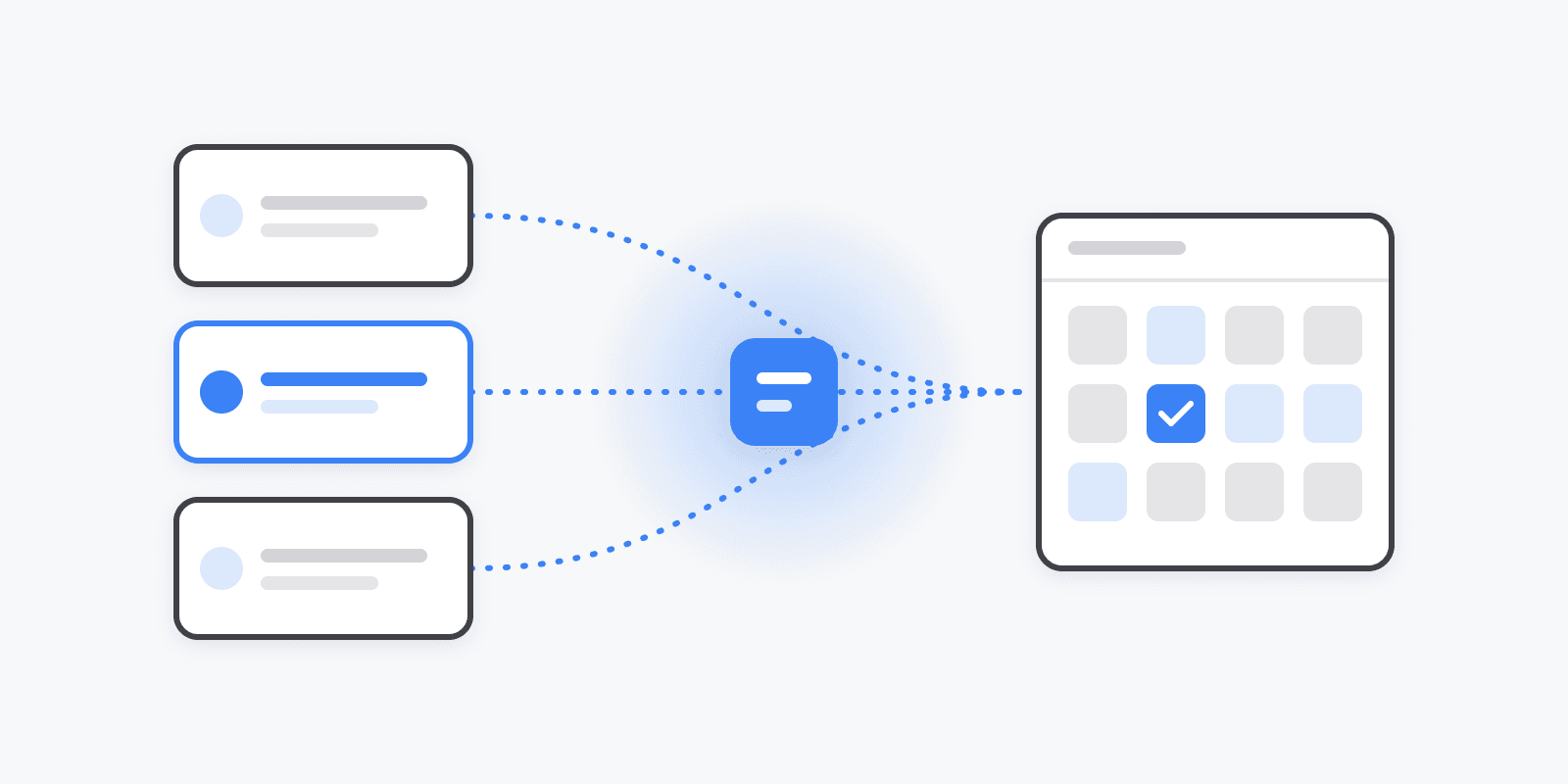
All three can now draft, schedule, and publish your posts through the same connector. They're not interchangeable, though. Here's how Manus, ChatGPT, and Claude differ for social media work — and when to reach for each.
Troy Underwood
Manus can do more than write captions. Connected to a scheduler over MCP, it can research a topic, write platform-specific posts, fill your queue, and report back on what worked. Here's the setup and six workflows that actually save time.
Troy Underwood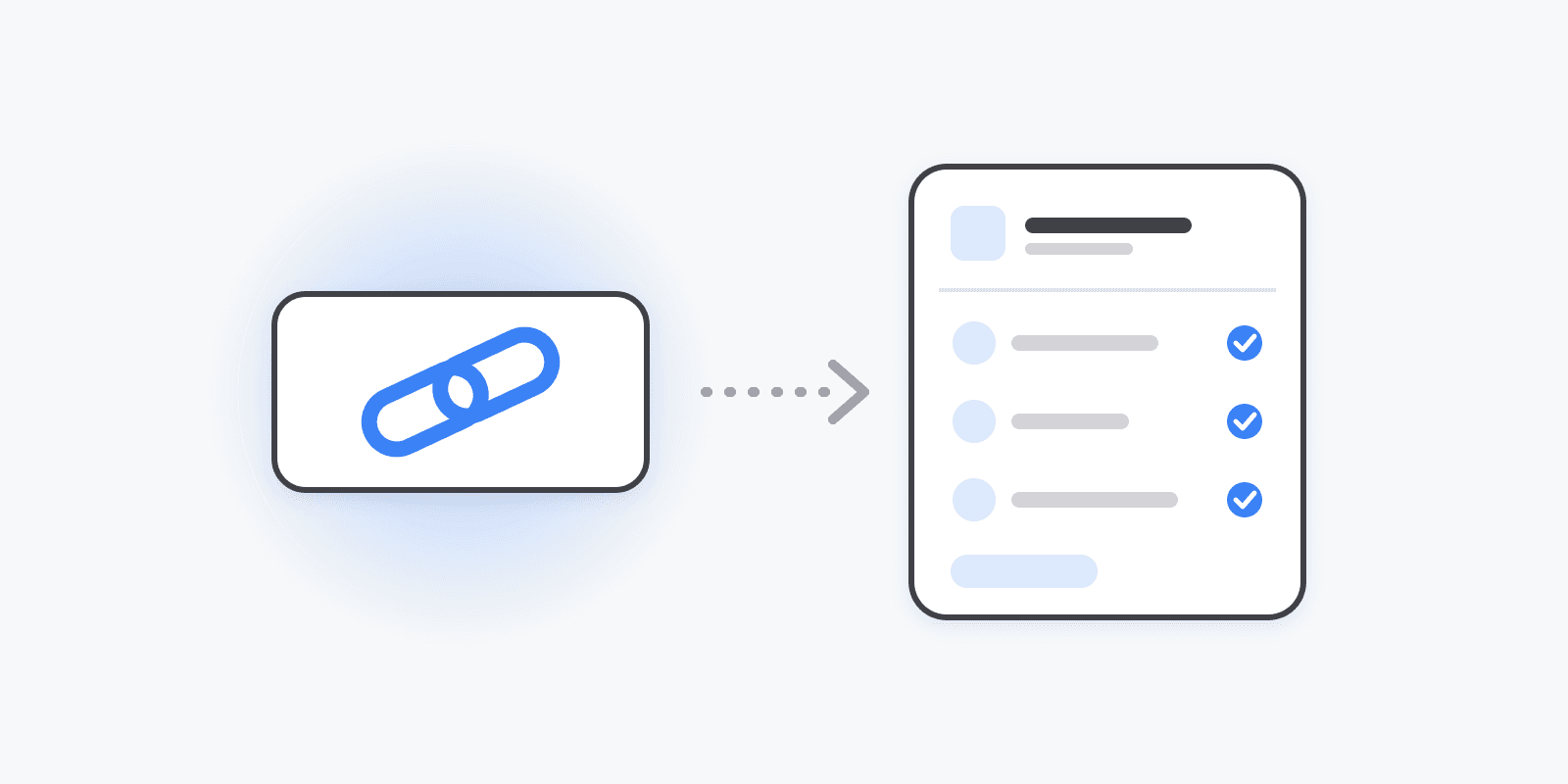
Getting access to a client's social accounts usually means passwords, 2FA codes, and screen-shares. Now you send a link: the client signs in to their own accounts, and the channels land in your workspace under their name.
Troy Underwood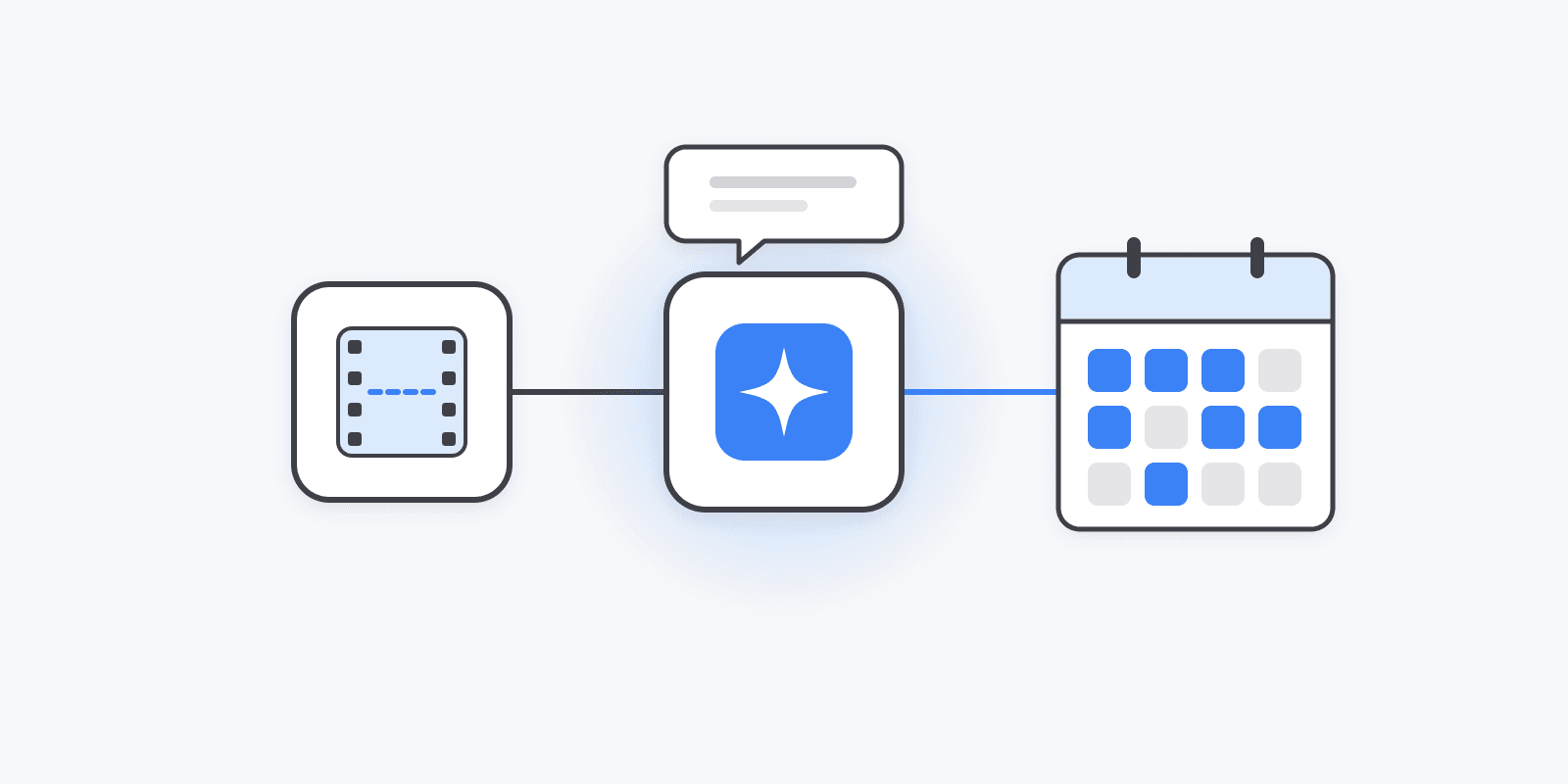
The clippers posting 50+ clips a day aren't editing faster. They've built a three-piece pipeline: an AI clipping tool cuts the clips, an AI agent runs the steps, and a scheduler posts everything to every account. Here's how to build it with Schedulin's MCP server, CLI, and API.
Troy Underwood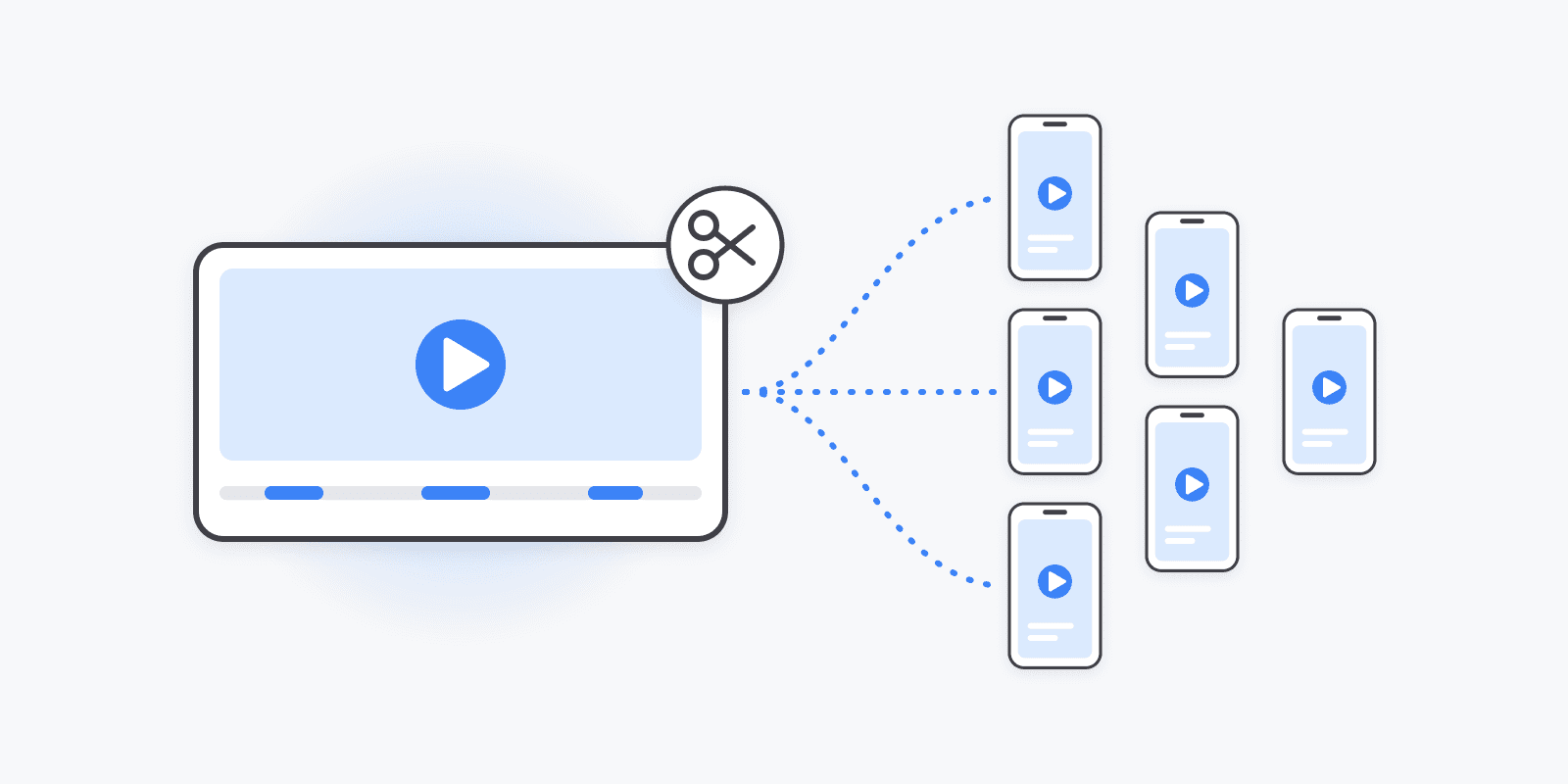
Whop clipping pays you per 1,000 views to cut and post other creators' content. Editing is no longer the hard part — AI does that. The clippers who earn are the ones who pick the right campaigns and post every clip, to every platform, every day. Here's the whole workflow.
Troy Underwood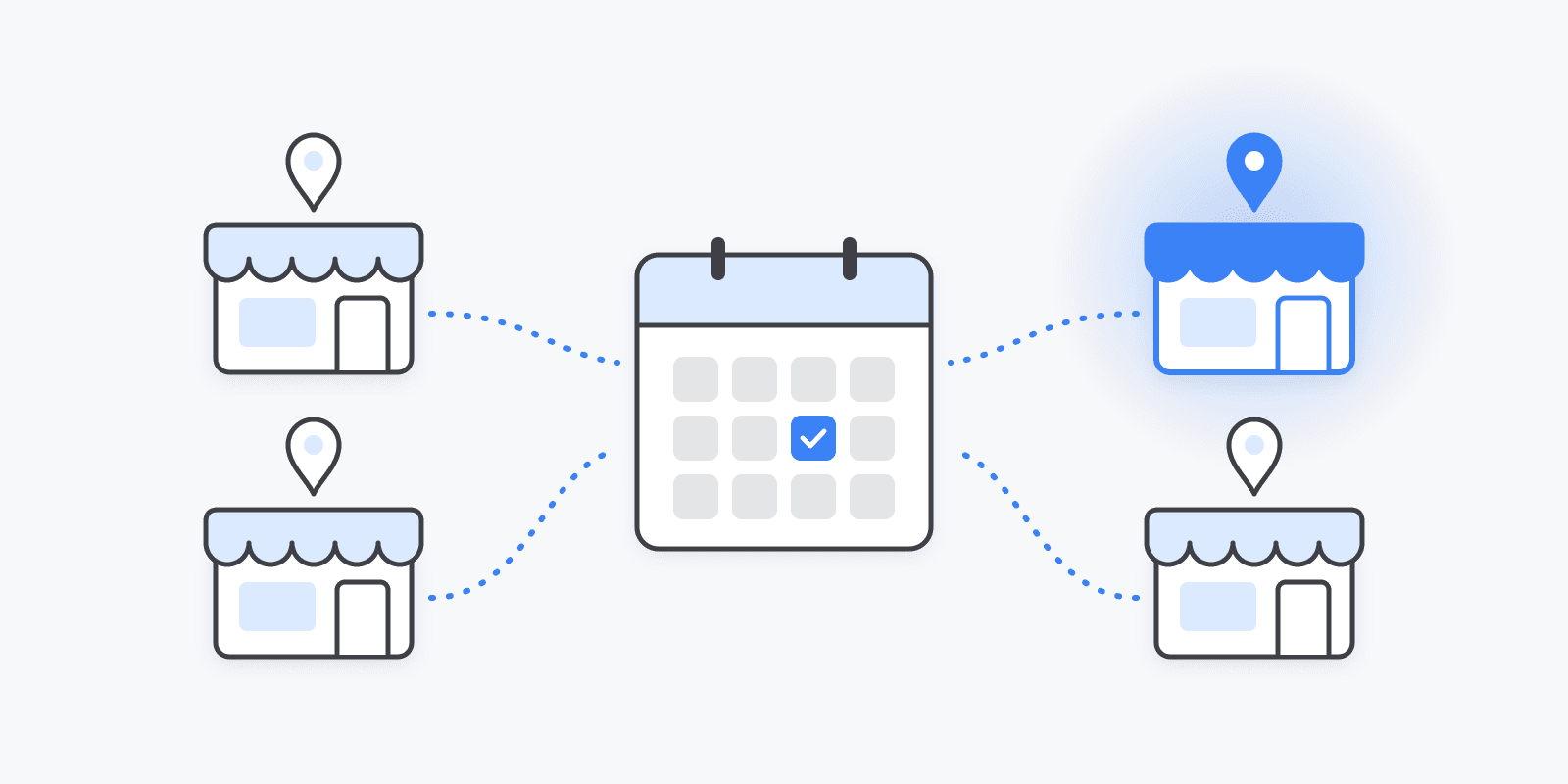
Google Business Profile posts show up on Search and Maps right where customers decide whether to visit. Here's how to post updates, events, and offers, which one to use when, and how to schedule a month of them for every location in one sitting.
Troy Underwood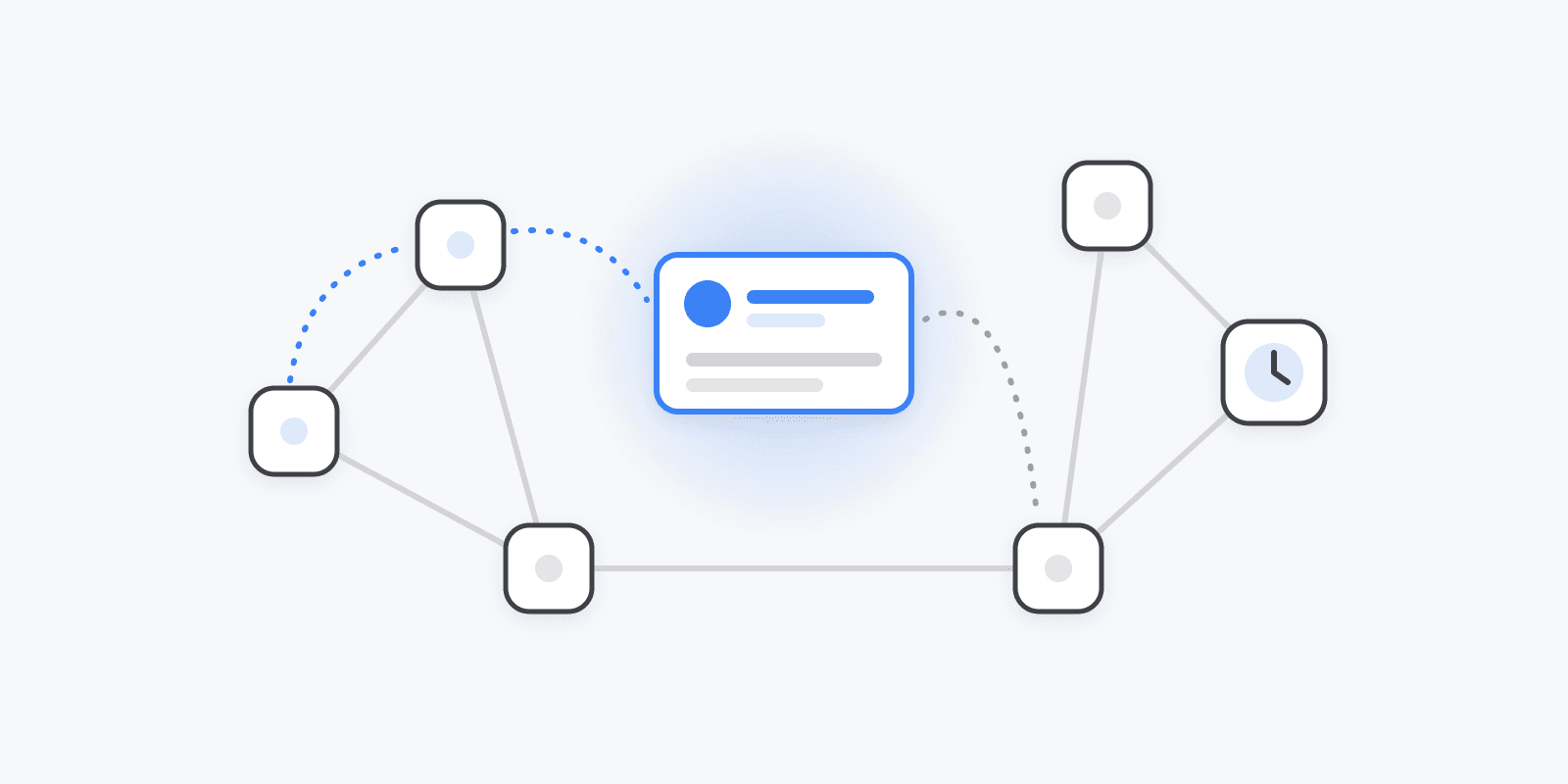
No Nostr client lets you schedule a note for later. Here's how scheduling works on a protocol with no servers to schedule on, what to know before sharing your key, and how to schedule notes alongside your other networks.
Troy Underwood
You can now schedule messages, images, and video to any channel in your Slack workspace, on the same calendar as your social posts. Here's what works, who it's for, and how to connect.
Troy Underwood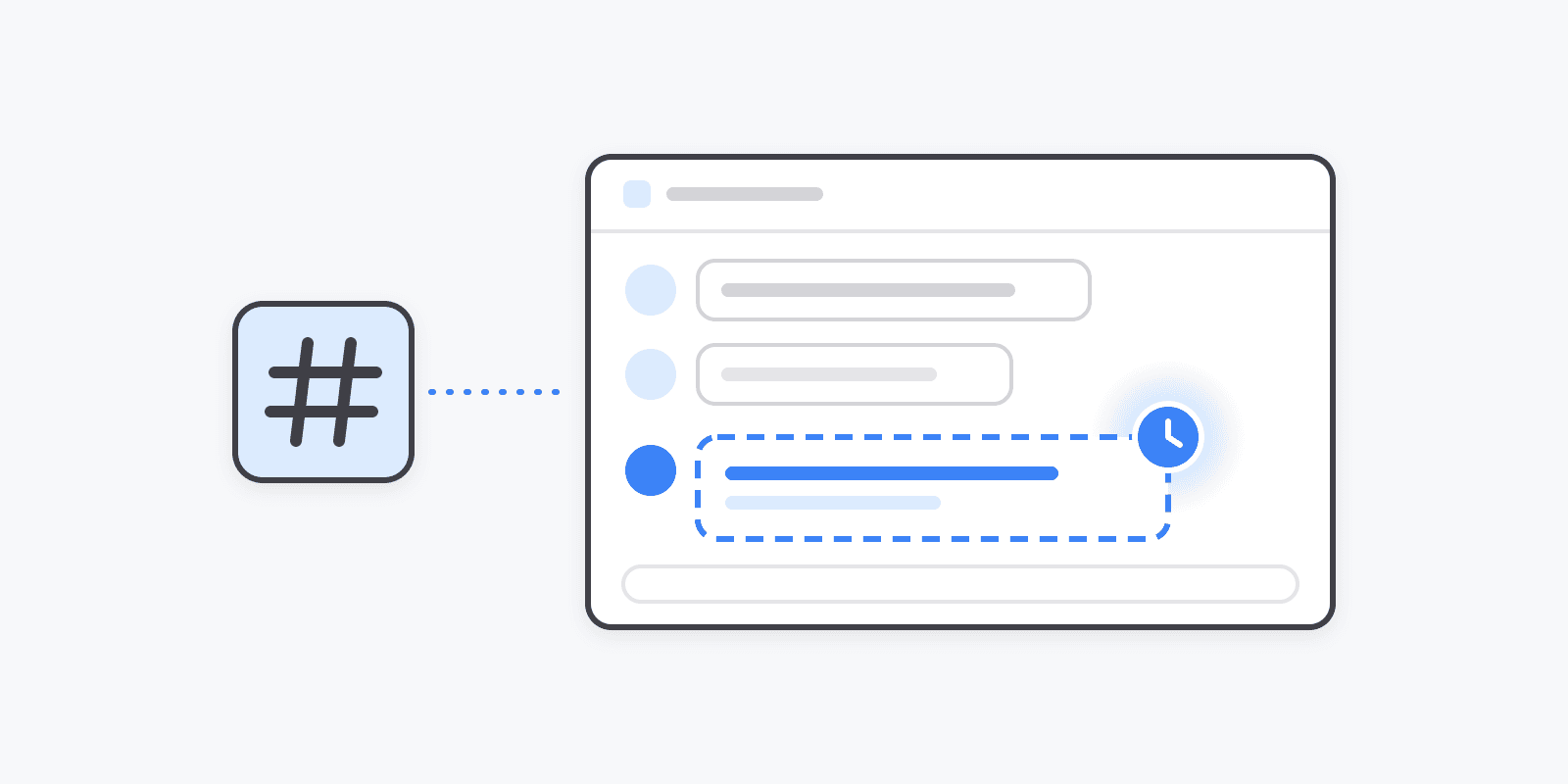
Slack can schedule a message natively, but it sends from your account, one message at a time. Here's how to use the built-in scheduler, how to make a message repeat, and how to schedule channel announcements with the rest of your content.
Troy Underwood
WordPress has a built-in scheduler, but it relies on site traffic to fire on time and does nothing to promote the post. Here's exactly how to use it, how to fix 'Missed schedule', and how to schedule the post and its social promotion together.
Troy Underwood
Scheduling posts one at a time doesn't scale. Here's how to bulk upload up to 100 posts from a single CSV — with a per-row preview that validates everything before it's scheduled — and how to import a queue from another tool.
Troy Underwood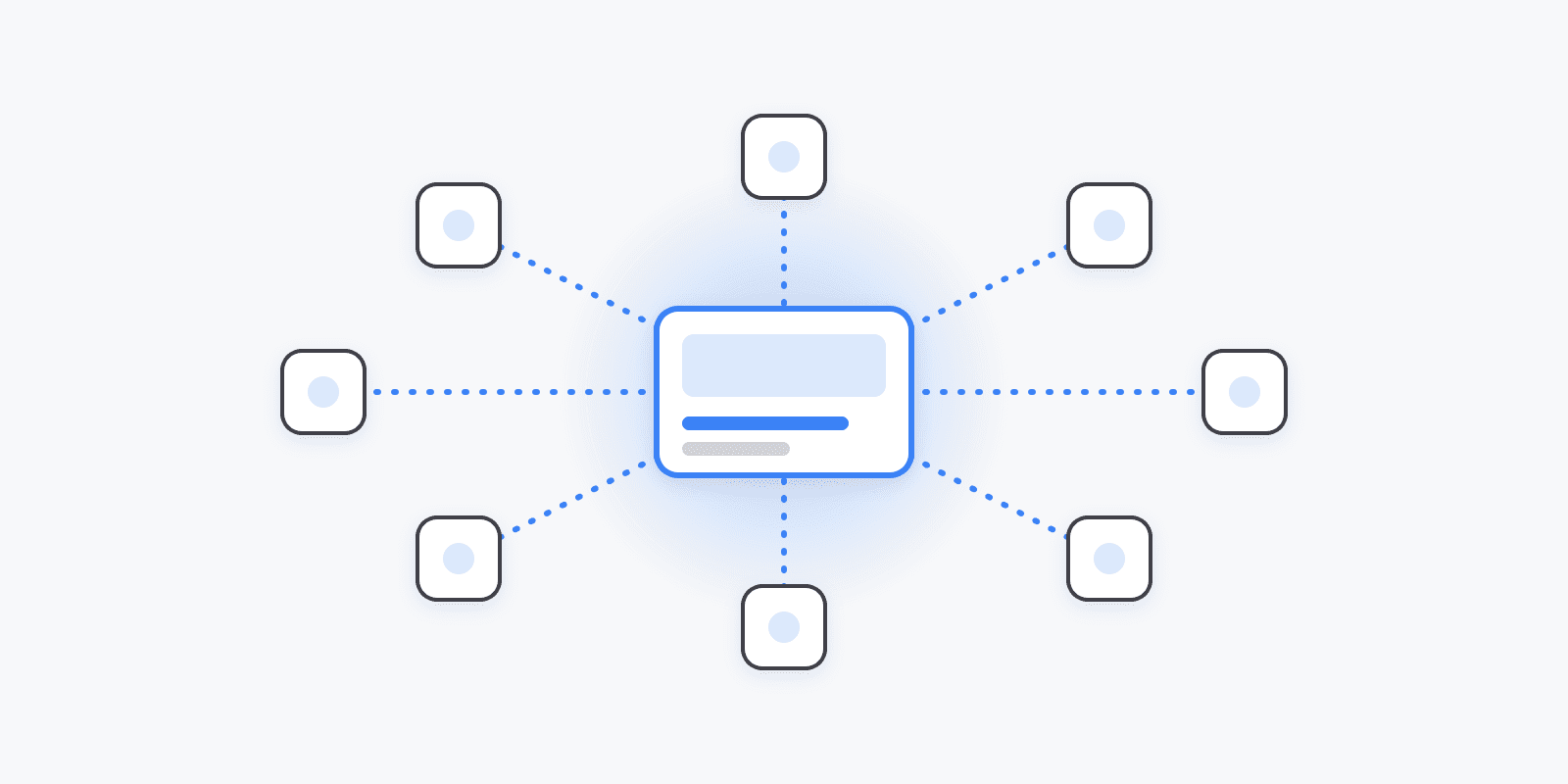
Posting the same content everywhere by hand is a tax on your time — and posting the identical thing to every network underperforms. Here's how to publish to all your platforms at once while still tailoring each one, in a few minutes.
Troy Underwood
You can schedule TikTok posts natively on desktop web, up to 10 days ahead. To schedule TikTok videos from your phone, further out, or alongside Reels and Shorts, use a TikTok scheduler that publishes through TikTok's official API. Here are the steps for both.
Troy Underwood
Instagram lets you schedule posts and Reels for free in Meta Business Suite — but only 75 days out, only from a Professional account, and with no cross-posting. Here's how to use it, and how to batch a month across platforms with a scheduler when you outgrow it.
Troy Underwood
MCP lets your AI assistant talk to your scheduler directly — draft, schedule, publish, and pull analytics without opening a dashboard. Here's how a social media MCP server actually works, what to look for, and how to set one up in five minutes.
Troy Underwood
Postiz is great software, but the $29/mo cloud floor and the ops work of self-hosting aren't for everyone. Here are 7 honest alternatives — including one that's ours — sorted by what you're actually optimizing for.
Troy Underwood
Pinterest has a built-in scheduler, but it caps you at 10 scheduled Pins, 30 days out, one at a time. Here's exactly how to use it — and how to batch a month of Pins in one sitting with a scheduler when you outgrow it.
Troy Underwood
Your Schedulin account connects to every channel you publish to, which makes it worth protecting. You can now turn on two-factor authentication with an authenticator app and backup codes — completely opt-in.
Troy Underwood
Four more places to reach your audience — livestream chat on Twitch and Kick, community forums on Whop, and design shots on Dribbble — all from the same calendar you already use.
Troy Underwood
Schedulin now runs an open Model Context Protocol server with OAuth. Connect ChatGPT, Notion, Perplexity, Claude, Cursor, n8n — or any MCP-compatible client — and manage your whole posting schedule in plain English, without opening the dashboard.
Troy Underwood
Schedulin moves fast, and until now the only way to notice was to stumble onto a new button. The new changelog fixes that: one page with every feature, improvement, and fix, in plain language, the moment it lands.
Troy Underwood
Your social bios only give you one link. Now you can point it at a Schedulin page that holds all of them — your newsletter, your latest drop, your booking link — with a live preview, drag-to-reorder, and a row of social icons. No extra tool, no extra subscription.
Troy Underwood
Everything you can do in the Schedulin dashboard you can now do from code. We're launching a public REST API, official SDKs for five languages, and a CLI you can run with a single npx command.
Troy Underwood
Carousels get more swipes, saves, and watch time than single images. The new Schedulin Carousel Maker lets you design Instagram and TikTok carousels in your browser, free — and inside Schedulin, AI writes them and schedules them for you.
Troy Underwood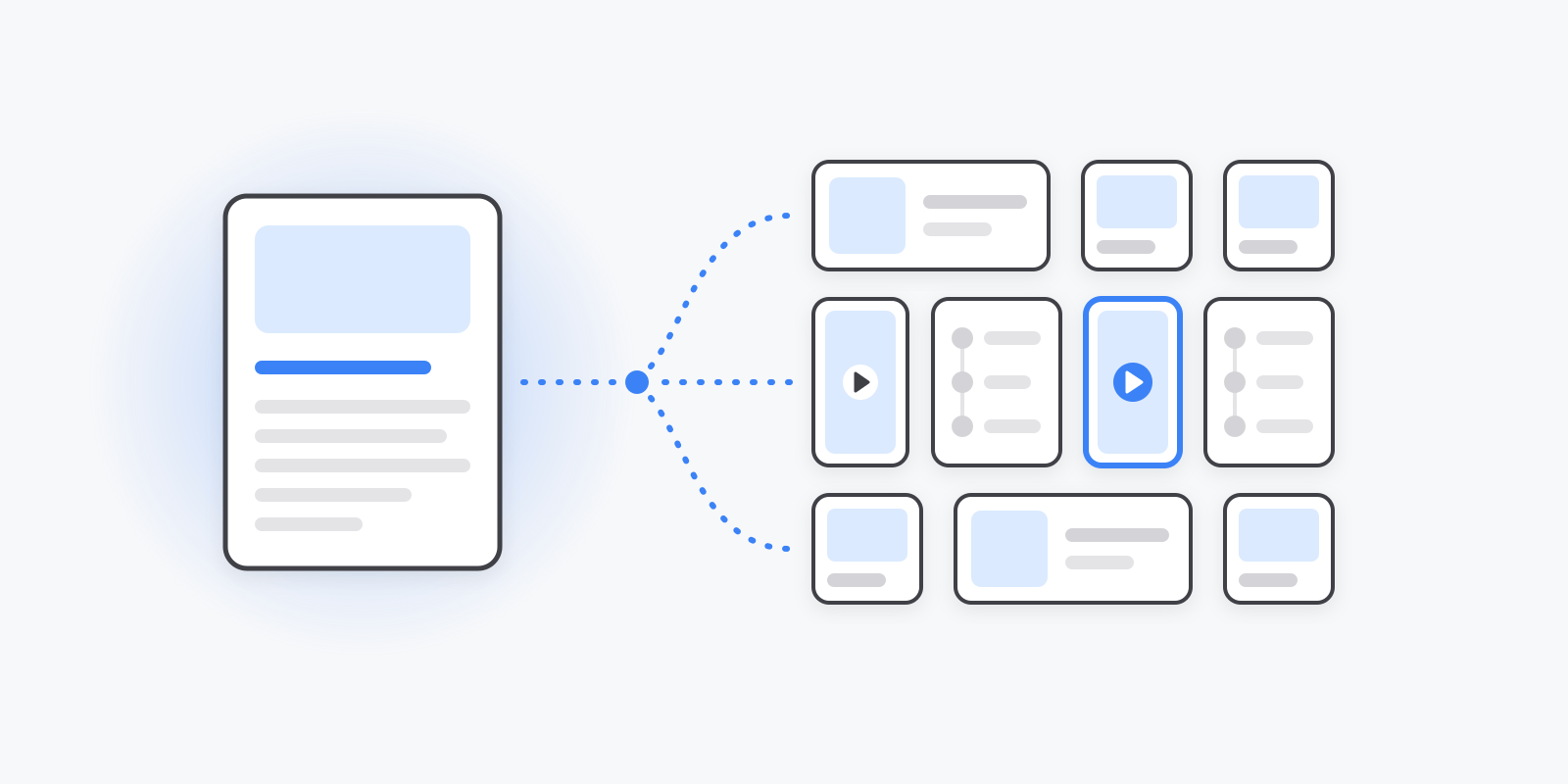
Turning one post into one new format is easy. Doing it across every format and platform automatically — and scheduling the results into your best engagement windows — is not. Here's how the Repurposing Graph works.
Troy Underwood
You can now schedule posts to your Reddit profile directly from Schedulin — alongside the ten other networks already supported. Here's what works today, what's coming next, and how to connect your account.
Troy Underwood
Aspire and GRIN are great if you can afford them. For the rest of us managing creators in spreadsheets next to a scheduler, here's a different approach: keep briefs, deliverables, payments, and the post that actually goes live in one tool.
Troy Underwood
Most schedulers ship a static 'best time to post' chart and call it a day. Smart Queue learns from your own engagement, per channel and per format, and dynamically reorders your queue to the slots that actually work.
Troy Underwood
Raw screenshots read as effort-free. The new Schedulin Screenshot Beautifier wraps any image in a clean background, browser frame, and shadow — exports a share-ready PNG in seconds. Free, no sign-up.
Troy Underwood
Draft platform-tailored captions, dig into your analytics, and stage posts back into your queue — all from one conversation. Meet the new /chat experience inside Schedulin.
Troy Underwood
We’re excited to introduce Schedulin, the smarter way to plan, schedule, and manage your social media posts. This is our first blog post — a look at what we’re building, why we started, and where we’re going.
Troy Underwood