How to post to multiple social media platforms at once

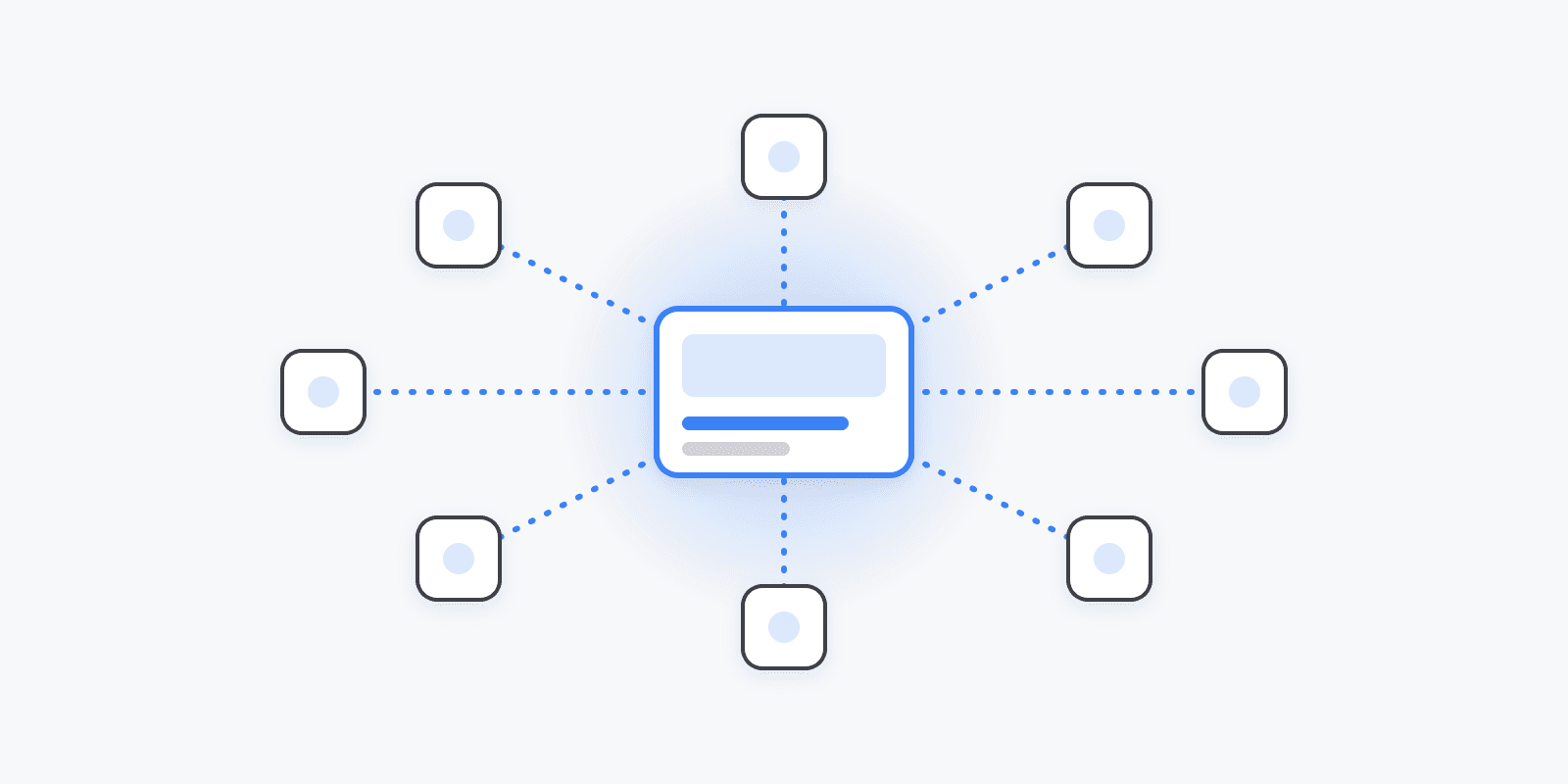
If you post to more than two networks, doing it by hand is a real drain: rewrite, re-upload, re-crop, repeat. Cross-posting fixes the time cost — but done carelessly it also drops your reach, because blasting the identical post everywhere ignores what each platform rewards. Here's how to do it fast and well.
The fast way: one composer, every account
A social media scheduler collapses the repeat work into a single step:
- Connect your accounts once. TikTok, Instagram, X, LinkedIn, YouTube, Pinterest, Facebook, Threads, Bluesky — whatever you post to.
- Write the post once and select every account you want it on.
- Tailor per platform where it matters (more on this below).
- Publish now, or schedule the whole set to one time — or to each platform's best time automatically.
That's the flow in Schedulin: one composer, all your channels, published or queued in a couple of minutes instead of twenty.
The part most people skip: tailor, don't clone
Posting the exact same thing to every network is the mistake that quietly costs reach. A few adjustments make a big difference, and a good composer lets you make them without leaving the screen:
- Caption length. X and Bluesky reward tight copy; LinkedIn and Facebook give you room to tell a story; Instagram sits in between. Trim or expand per platform.
- Hashtags. Instagram and TikTok still use them heavily; on LinkedIn a few go a long way; on X they mostly clutter. Move hashtags into a first comment where that reads cleaner.
- Aspect ratio. Vertical (9:16) for Reels, Shorts, and TikTok; square or 4:5 for the Instagram feed; landscape for YouTube. One source video, cropped appropriately. (TikTok has its own scheduling quirks — see how to schedule TikTok posts.)
- @-mentions and links. Handles differ per network, and some platforms (Instagram, TikTok) deprioritize outbound links in the caption — put them where each platform prefers.
The goal is one idea, published everywhere, shaped to fit each feed — not one identical block of text pasted nine times.
Native cross-posting vs. a scheduler
You can cross-post within an ecosystem for free — Meta Business Suite pushes to both Facebook and Instagram, and Instagram can mirror a Reel to Facebook. But those only cover one company's apps. The moment TikTok, YouTube, LinkedIn, X, or Bluesky are in the mix, a dedicated scheduler is the only way to hit them all from one place.
Which tool?
Almost every scheduler can cross-post; they differ on price, which platforms they support, and whether per-platform tailoring and AI are included. We keep an honest, ranked breakdown in the best social media scheduling tools guide — and if you're leaving a specific tool, we have direct comparisons like Buffer alternatives and Hootsuite alternatives.