Social media MCP: how to post from Claude, ChatGPT, and Cursor (2026 guide)

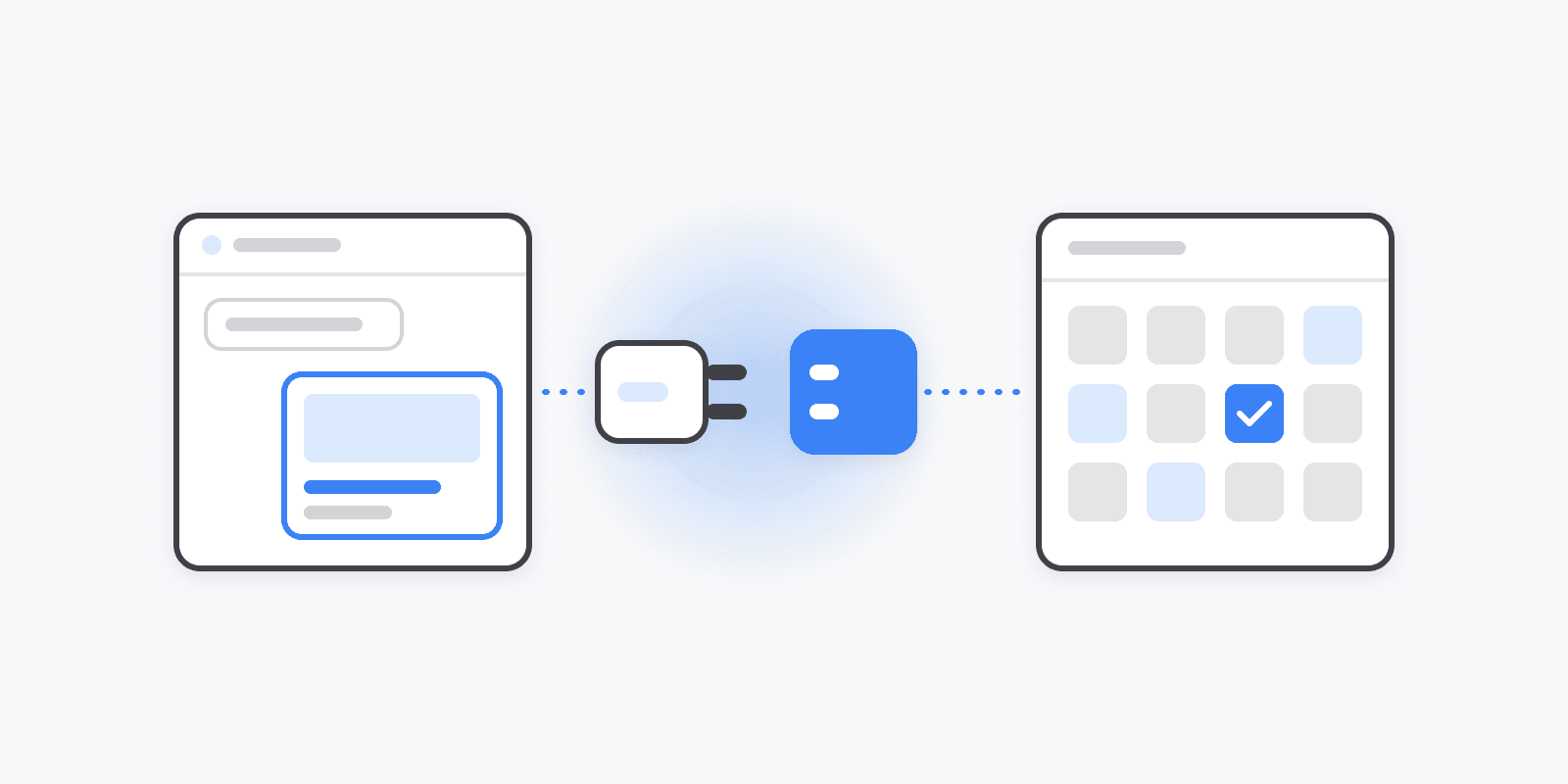
The way social media gets scheduled is changing shape. For a decade the workflow was: open a dashboard, click "new post", type, pick a time, repeat per platform. Now the workflow is increasingly: tell your AI assistant what you want, and it does the clicking.
The technology behind that is MCP — the Model Context Protocol. It's the open standard that lets AI tools like Claude, ChatGPT, and Cursor call external services directly. A social media MCP server exposes scheduling as tools the AI can use: create a post, list the queue, upload media, check analytics. The assistant picks the right tool, makes the call, and your calendar updates.
This guide covers how that works in practice, what separates a good social media MCP server from a demo, and how to connect one in about five minutes.
What an AI agent can actually do over MCP
Connected over MCP, an assistant stops being a writing aid and becomes an operator. Real requests that work today against Schedulin's MCP server:
- "Draft a post for my X and LinkedIn channels announcing the v2 launch, and schedule both for the next free queue slot."
- "Show me everything scheduled this week, and move Thursday's post to Friday morning."
- "What are TikTok's video requirements for my account? Then upload launch.mp4 and schedule it for 6pm."
- "How did last week's posts perform? Top 3 by engagement, and draft a follow-up to the winner."
The difference from copy-pasting out of ChatGPT is that nothing gets copy-pasted. The draft lands in your real queue, against your real connected channels, with your real platform constraints checked.
What to look for in a social media MCP server
Having tried most of what's out there while building ours, these are the dimensions that actually matter:
1. Tool coverage, not just "create post." A minimal server exposes posting and nothing else. But the requests you actually make — "move Thursday's post", "what performed best", "which media do I have" — need list, update, reschedule, media, and analytics tools too. Schedulin's server exposes 27 tools across posts, scheduling, media, AI generation (AI image generation and images), analytics, tags, and platform requirements. For comparison, Postiz — the other notable scheduler with MCP support — exposes 8, focused on listing accounts, scheduling, and generating media.
2. Platform intelligence before the post, not errors after.
Every network has different rules — caption lengths, video specs, required fields, Pinterest boards, TikTok creator settings. If the server can't tell the agent those rules, the agent finds out by failing. Look for tools like get_platform_requirements that let the AI ask first.
3. OAuth, not just pasted API keys. Hosted assistants (ChatGPT, Notion, Perplexity) shouldn't hold a raw API key with full account access. An MCP server that supports OAuth gives you a consent screen, scoped access, and one-click revocation. Keys still make sense for developer tools like Claude Code and Cursor — the point is having both.
4. Nothing to host. Some MCP servers run locally or on your own infrastructure. That's fine for developers; it's a non-starter for everyone else. A hosted server is one URL you paste into any client.
Setting it up (about five minutes)
Schedulin's server speaks streamable HTTP at a single endpoint:
https://mcp.schedulin.app/mcp
Claude Code — one command:
claude mcp add schedulin --transport http https://mcp.schedulin.app/mcp \
  --header "x-api-key: YOUR_API_KEY"
ChatGPT — Settings → Apps & Connectors → enable Developer mode → add an app with the URL above and OAuth as the auth method, then approve access on the consent screen.
Cursor, n8n, and custom agents — point the MCP client at the same URL with an x-api-key header.
Client-by-client walkthroughs (Notion, Perplexity, and more) are in the MCP server launch guide.
Workflows this unlocks
Ship-and-announce from your editor. You just merged the feature; you're already in Claude Code or Cursor. "Draft an announcement for X and LinkedIn, schedule for tomorrow 9am" — done without leaving the terminal. This is the workflow that made developers the earliest adopters of social media MCP.
A weekly content session that's one conversation. Instead of an hour in a dashboard: paste your notes, have the assistant draft the week across platforms, check each platform's constraints, fill your queue's free slots, and tag everything by campaign.
Analytics-driven posting. Because analytics are tools too, the loop closes: "what worked last week → draft more of that → schedule it." No exporting CSVs into a chat window.
Agent-produced images. Generation is on the tool list too: an agent can create an image from a prompt, poll until it finishes, and use the result in a scheduled post — one conversation, zero dashboard visits.
Automation platforms. n8n and similar tools speak MCP now, so "when X happens, draft and schedule a post" becomes a no-code workflow with your scheduler as a node.
The honest caveats
- Review before publish is still wise. Have agents create drafts or scheduled posts you can eyeball, rather than publishing immediately. (Tools support both; you choose per request.)
- MCP is young. Client support varies — OAuth flows are smoothest in ChatGPT, Notion, and Perplexity; developer tools mostly want keys. The standard is moving fast in the right direction.
- An agent is only as good as the account you give it. Scoped access matters: Schedulin's OAuth connections are limited to one workspace and revocable under Settings → API & Apps.
TL;DR
If you write and schedule social content and you already live in an AI assistant, a social media MCP server removes the copy-paste layer between them. Look for broad tool coverage, platform-requirement awareness, OAuth support, and a hosted endpoint.
Schedulin's MCP server checks all four, is included on paid plans (from $5/mo, no add-on fee), and connects to any MCP client with one URL. The 7-day free trial has $0 due today.