How to build an AI clipping pipeline that clips, captions, and posts while you sleep

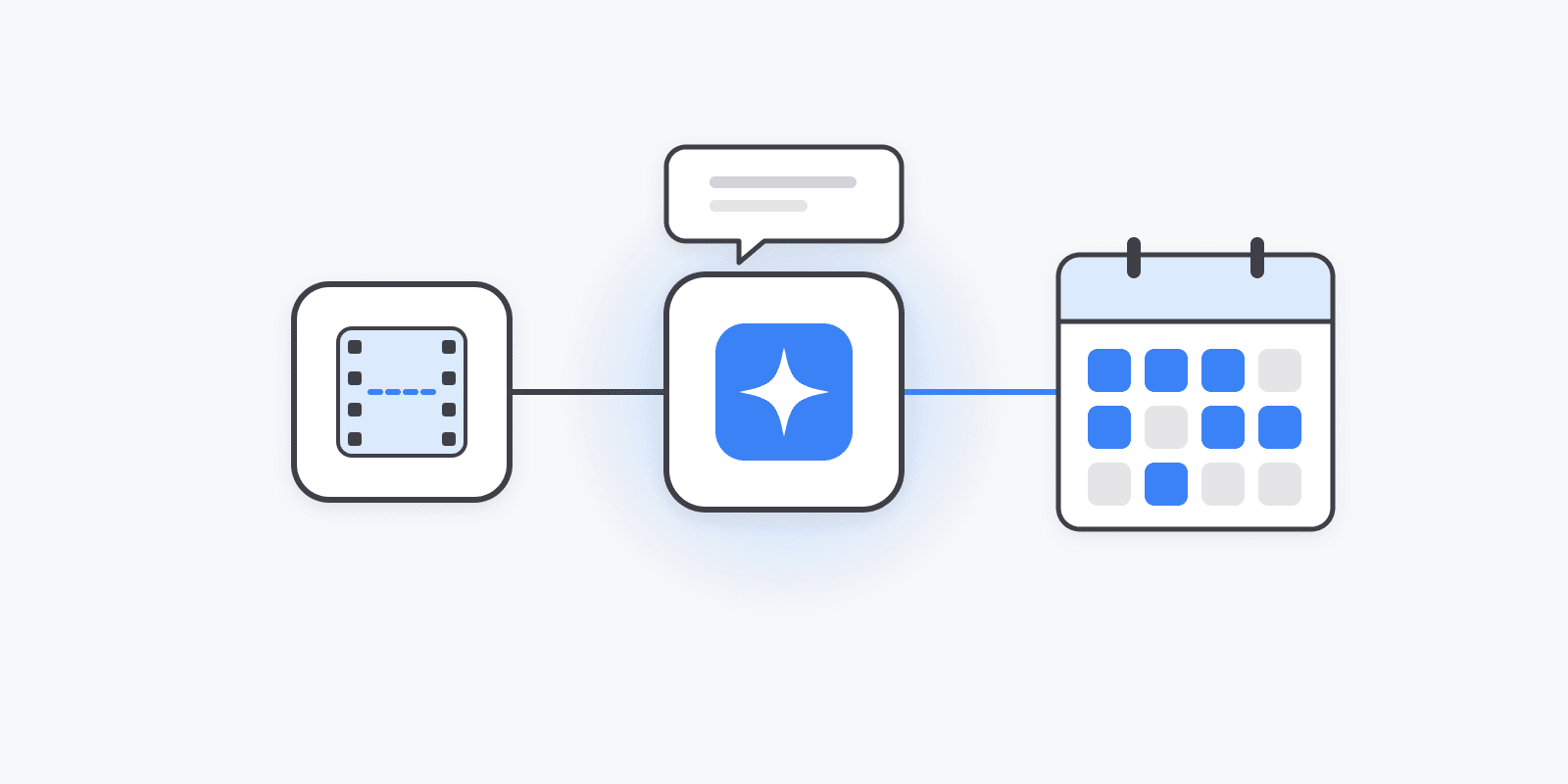
The clippers posting fifty, a hundred, or more clips a day aren't faster editors. They stopped editing. What they built instead is a pipeline: one long video goes in, and captioned clips come out scheduled across TikTok, Instagram Reels, and YouTube Shorts on several accounts — without anyone opening a video editor or a posting app.
That pipeline has three pieces, and every piece now has a real machine interface. This post shows how to wire them together with Schedulin as the publishing layer. (New to clipping? Start with our Whop clipping guide for how campaigns pay and which ones to pick.)
Why clipping became an automation problem
A clipping page is simple: take long-form videos from one creator or niche — a podcast, a stream, a YouTube channel — cut 30–60 second moments, add captions, and post them everywhere short-form video gets paid. Views come from three places at once: campaign payouts on marketplaces like Whop Content Rewards, flat fees from creators who want their content clipped, and platform creator programs.
The catch is the numbers. Five clips a day, on three platforms, across four accounts in the same niche, is 60 uploads a day. Each needs a caption, hashtags, platform settings, and a posting time. By hand, that's the whole day — every day.
So the operators who scale build it once:
- A clipper picks the moments, crops to vertical, and burns in captions.
- An agent holds the plan, calls each tool, and handles the waiting.
- A scheduler posts every clip to every account on every platform, with the settings each platform demands.
The three-piece stack
1. The clipper: any AI clipping tool with an API
Use whichever AI clipping tool you prefer. The requirement for a pipeline is that it has an API or MCP server — the agent needs to start a clip job, check when it's done, and get back a downloadable URL for each clip. Most of the major AI clippers now offer one on their paid tiers.
2. The agent: anything that speaks MCP
The agent is the brain. Good options:
- Claude Code or Claude Desktop if you want to drive it by chat.
- n8n if you want a visual workflow that runs on a timer.
- An open-source agent harness if you want it running on a server and reporting back to Telegram or Discord.
All of these load MCP servers, so connecting the clipper and the scheduler is configuration, not code.
3. The scheduler: Schedulin
Schedulin is the publishing layer. It posts to TikTok, Instagram, YouTube, X, Threads, Facebook, and more through each platform's official API, and exposes everything three ways:
- An MCP server at
https://mcp.schedulin.app/mcp— the agent gets native tools for listing accounts, importing media, creating and queueing posts, and reading analytics. - A REST API with an OpenAPI reference and typed SDKs.
- A CLI (
npx @schedulin/cli) for scripts and cron jobs.
No browser automation, no scraped UIs. Every layer talks to the next through a stable interface, which is why the pipeline keeps running while you sleep instead of breaking when an app redesigns a button.
Connect Schedulin to your agent
In Claude Code, it's one command:
claude mcp add schedulin --transport http https://mcp.schedulin.app/mcp
For Claude Desktop, Cursor, ChatGPT, or n8n, add the same URL as a remote MCP server — the MCP setup guide has the steps for each. Clients that support OAuth sign you in through the browser. For headless agents on a server, create a key under Settings → API keys and send it as an x-api-key header.
Then connect your clipping tool's MCP server the same way. That's the whole integration.
What the agent actually does
Once both are connected, the operator sends one message:
Clip the latest episode from the podcast feed. Pull the 6 strongest moments, under 45 seconds each. Write a hook-first caption for each, and queue every clip to all my TikTok, Instagram, and YouTube accounts. Use a different hook on each account.
Behind that, the agent runs a chain of tool calls:
- Starts the clip job with the clipping tool and polls until the clips are ready.
- Lists your connected accounts with Schedulin's
list_social_accounts, so it never guesses an account ID. - Imports each clip with
create_media_from_url— Schedulin downloads the video into your media library, so TikTok and Instagram get a file they accept, not an external link. - Checks each platform's rules with
get_platform_requirements— caption limits, required TikTok settings like privacy level, YouTube titles. - Creates one post per account with
create_post, usingaction: "queue"so each clip drops into that account's next open slot. With Smart Queue on, those slots are the account's best-performing times from its own last 90 days. - Reports back with what it scheduled, and when.
You review the week in Schedulin's calendar — or don't, if you trust the agent. Every post shows up there like any other, so you can edit a caption or pull a clip before it goes live.
Prefer a script? Use the CLI
If you'd rather run the pipeline from a cron job than chat with it, the CLI does the same thing. Store your key once:
npx @schedulin/cli config set api-key sk_live_...
Then queue a finished clip to every TikTok, Instagram, and YouTube account you've connected:
CLIP_URL="https://cdn.example.com/clips/ep-142-clip-03.mp4"
CAPTION="He didn't see this coming 😳 #podcast #clips"

npx @schedulin/cli accounts list --json \
  | jq -r '.data[] | select(.platform == "tiktok" or .platform == "instagram" or .platform == "youtube") | .id' \
  | while read -r ACCOUNT_ID; do
      npx @schedulin/cli posts create \
        --social-account-id "$ACCOUNT_ID" \
        --caption "$CAPTION" \
        --media "$CLIP_URL" \
        --action queue \
        --yes
    done
posts create defaults to a draft, and publishing actions refuse to run non-interactively unless you pass --yes, so a half-finished script can't post by accident. Platforms that need extra settings — a TikTok privacy level, a YouTube title — take them through --platform-config as JSON.
Close the loop with analytics
Clipping pays on views, so the pipeline should know which clips worked. The agent can call get_post_analytics_summary (or schedulin posts analytics summary <id>) for each published clip and feed that back into the next run: more clips from the moments that hit, different hooks on accounts that are flat, and fewer clips from source videos that never take off.
Rules that keep the pipeline (and your accounts) alive
- Respect platform caps. TikTok allows 15 API posts per account per day. Schedulin enforces it, so an overeager agent can't fail your queue — but plan volume across accounts, not on one.
- Don't mirror accounts. Platforms push down accounts that post the same reused clip over and over. Have the agent vary the hook, caption, and cut per account, and keep each account in its own niche.
- Keep a human check early. Run the pipeline into drafts (
action: "draft") for the first week. Once the captions and clip choices look right, switch toqueue. - Stick to official APIs. The reason this setup is safe is that nothing logs in to TikTok or Instagram pretending to be you. Avoid any tool in the chain that does.
What it costs to run
Schedulin has unlimited posts on every plan and prices by connected accounts, so a pipeline posting 60 clips a day costs the same as one posting six:
- Creator — $10/mo: 12 accounts.
- Pro — $20/mo: 30 accounts.
- Bulk — from $49/mo: 100 to 1,000 accounts for clipping teams.
The API, CLI, and MCP server are included on every plan. Start a 7-day free trial, connect your accounts, and point your agent at https://mcp.schedulin.app/mcp — or see everything Schedulin does for clippers on Schedulin for clippers.