Whop clipping in 2026: how to pick campaigns that pay and post clips at volume

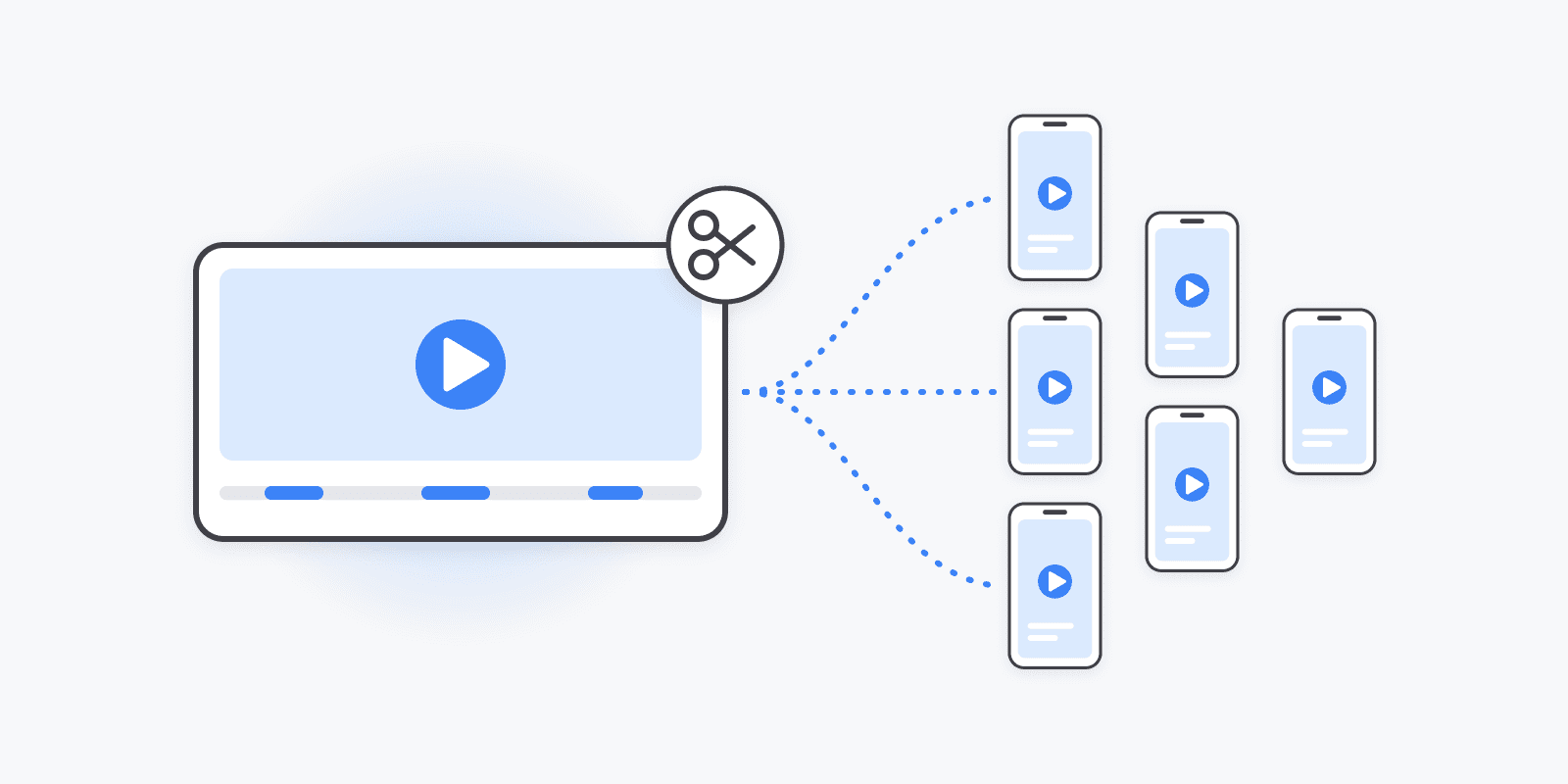
Clipping has become one of the easiest ways to earn money from short-form video without filming anything. Creators with hours of podcast, stream, and YouTube footage pay clippers to cut it into 30–60 second clips and post them, and Whop's Content Rewards turned that into a marketplace: pick a campaign, post clips, get paid per 1,000 views.
The interesting part is who actually earns. It's rarely the best editor. AI clipping tools have made editing cheap and fast, so the bottleneck has moved to two places: which campaigns you pick and how many clips you can post, to how many platforms, every day. This guide covers both.
How Whop Content Rewards works
A creator or brand opens a campaign on Whop with three things:
- A budget — the total amount they'll pay out.
- A rate — what they pay per 1,000 verified views.
- Rules — which platforms count (usually TikTok, Instagram Reels, and YouTube Shorts), what content you can use, and any requirements like captions, a tagline, or a minimum length.
You join the campaign, cut clips from the creator's footage, post them on your own accounts, and submit each post. Views are verified and you're paid at the campaign's rate until the budget runs out.
You don't need an audience, a face on camera, or original footage. You're the creator's distribution arm. That's why beginners pile in — and why most of them quit after a week of editing clips by hand and posting them one app at a time.
How to pick a campaign that actually pays
The highest-leverage decision in clipping happens before you cut a single clip. A few rules:
- Favor creators with a payout history. Sort campaigns by how much they've paid out, not by how new or loud they are. A track record of releasing budget beats a big headline rate.
- Prefer instant-join campaigns. If a campaign needs manual approval, you can lose days waiting while other clippers burn through the budget.
- Watch how much budget is left. A nearly drained campaign can close before your clips finish collecting views. Mid-budget campaigns give you room to post and grow.
- Read the requirements before the rate. The highest rates usually come with the strictest rules — original commentary, view minimums, specific formats. A slightly lower rate with simple rules often pays more per hour.
- Pick campaigns that allow more platforms. A campaign that counts TikTok, Reels, and Shorts gives every clip three chances to break out instead of one.
The editing used to be the job. Now AI does it.
A couple of years ago, clipping skill meant sitting through a three-hour stream and knowing which 40 seconds would hook a stranger. Today, AI clipping tools watch the source video, find the high-energy moments, crop to vertical, and burn in captions. Feed in a long podcast and you get back a stack of ready clips in minutes.
Use whichever clipping tool you like — they've converged on the same workflow. Two things are still worth doing by hand:
- Check the first two seconds. The hook decides the clip. Trim dead air at the start even if the AI didn't.
- Check the safe zones. Captions and faces under the TikTok or Shorts UI get covered. Run a frame through our TikTok safe zone checker or YouTube Shorts safe zone checker once per caption style.
Once editing takes minutes, you hit the real wall.
The real bottleneck: posting at volume
Here's the math. One podcast becomes 20 clips. The campaign counts TikTok, Reels, and Shorts. That's 60 uploads — each with a caption, hashtags, a cover, and a posting time — from one source video. Run three niche accounts per platform and it's 180.
Clipping is a volume game because views aren't evenly spread. One clip might do six figures while the rest do a few hundred, and you can't tell in advance which one it'll be. So you can't just post "the best one." You have to ship all of them, consistently, on every platform the campaign pays for.
Doing that from the TikTok, Instagram, and YouTube apps one clip at a time is where most clippers burn out. None of it is creative. It's logistics — and logistics is what a scheduler is for.
Post every clip to every platform from one queue
In Schedulin, you connect your TikTok, Instagram, and YouTube accounts once — as many accounts per platform as you run. Then each clip is one post:
- Upload the clip and write one caption.
- Select every account the campaign allows — TikTok, Reels, and Shorts, across all your pages.
- Tailor per platform where it matters: shorter hashtags for Shorts, the TikTok-specific settings (privacy, comments, AI-generated content label), a YouTube title.
- Schedule it — or drop it in the queue. Smart Queue learns from each account's own last 90 days and places clips in that account's best-performing slots, so you don't have to work out posting times per platform.
Repeat for the next clip. A day of clips across every account takes minutes instead of an afternoon, and you can batch a full week from one source video in a single sitting.
Got clips in a spreadsheet already? Bulk upload a CSV of up to 100 posts at once, with media URLs and times per row, and every row is validated before anything is scheduled.
Running at real volume? Wire your clipping tool straight into Schedulin through the API or MCP server, so new clips get scheduled without you touching them. We walk through that setup in how to build an AI clipping pipeline.
Limits to plan around
- TikTok's daily cap. TikTok allows 15 posts per account per day through its API. Schedulin enforces it so your queue doesn't fail at publish time. More volume means more accounts, not more posts per account.
- No trending sounds via API. No scheduler can attach TikTok's in-app music. Clips with the creator's own audio are fine; if a campaign requires a specific sound, post that clip as a TikTok draft and add the sound in the app.
- Repetitive content rules. TikTok, YouTube, and Instagram all push down — and can demonetize — accounts that post the same reused clip over and over. Vary hooks, captions, and cuts across accounts, and keep every account on its own niche rather than mirroring the same feed.
- Keep clips live. Campaign payouts depend on verified views over time. Deleting or privating a clip early usually stops it counting.
- Use official APIs only. Tools that automate the TikTok or Instagram app unofficially put the accounts you've built at risk. Schedulin publishes through each platform's official API.
What it costs
Clipping margins are thin until a clip hits, so the scheduler shouldn't eat them. Schedulin has unlimited posts on every plan and charges by connected accounts, not seats or uploads:
- Creator — $10/mo: 12 accounts. Enough for TikTok, Instagram, and YouTube across four pages.
- Pro — $20/mo: 30 accounts.
- Bulk — from $49/mo: 100, 250, 500, or 1,000 accounts for clipping teams and agencies.
Every plan starts with a 7-day free trial. See Schedulin for clippers and pricing, or compare us with other tools in our Postiz alternatives guide.
The short version
Pick campaigns from creators who pay out, with budget left and platforms you can post to. Let AI do the cutting. Then post every clip to every allowed platform, every day, from one queue — because in clipping, the clipper who ships the most clips gets the most lottery tickets.