Manus vs ChatGPT vs Claude for social media: which AI should post for you?

A year ago, "AI for social media" meant asking a chatbot for a caption and pasting it somewhere else. Now Manus, ChatGPT, and Claude can all connect to a scheduler and do the posting themselves.
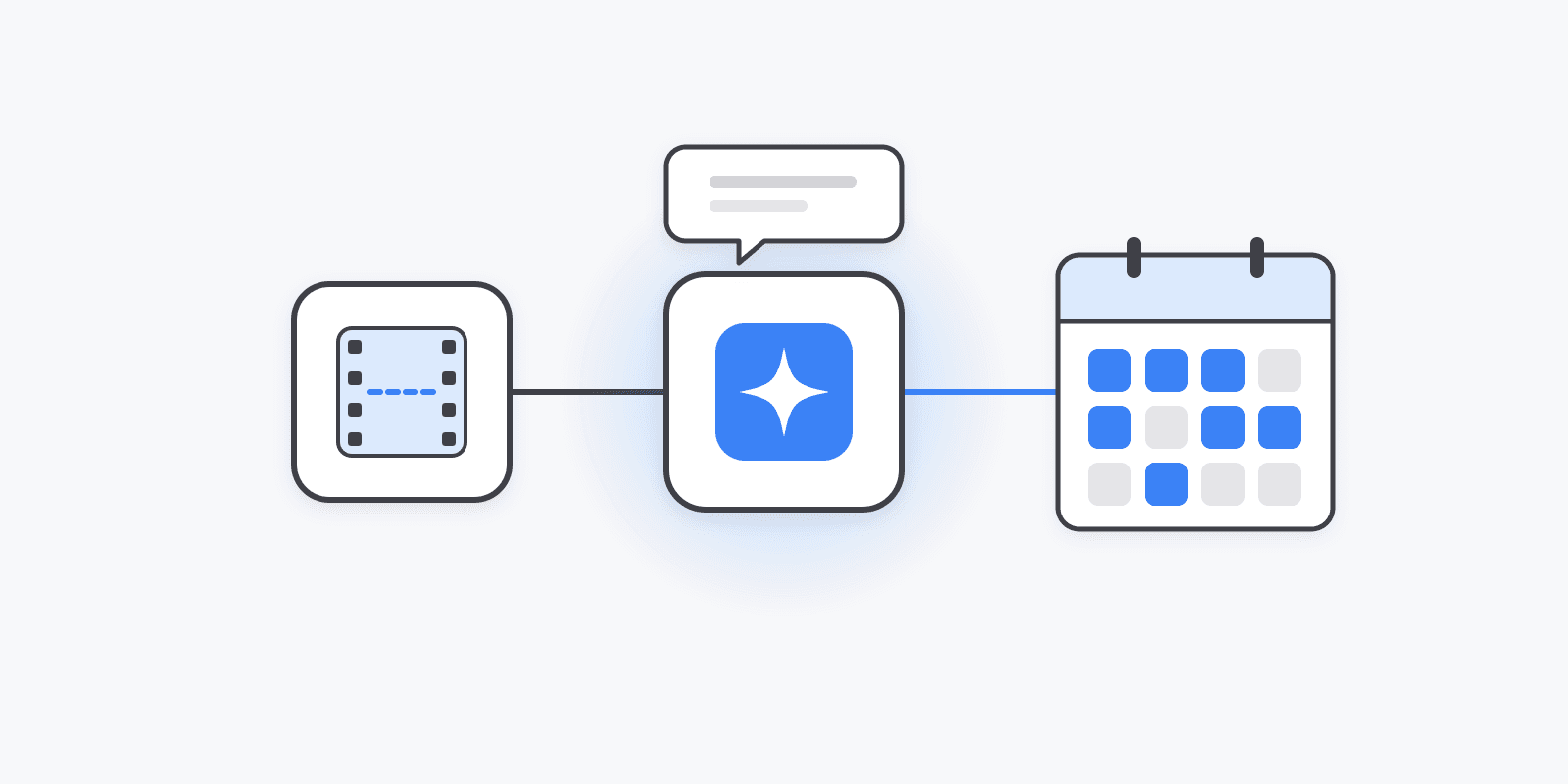
They all use the same plumbing — MCP (Model Context Protocol), the open standard for connecting AI tools to outside apps. That means the same Schedulin connector works in all three, with the same tools: list channels, check platform rules, create and schedule posts, attach media, and read analytics.
So the difference isn't what they can do with your social accounts. It's how they work. That decides which one fits which job.
The short answer
| | Manus | ChatGPT | Claude | |---|---|---|---| | Works best as | An agent you hand a job to | A chat partner | A chat partner (and coding agent in Claude Code) | | Good at | Multi-step tasks: research → write → schedule → report | Fast drafts and back-and-forth edits | Careful writing, long documents, editor workflows | | Browses the web on its own | Yes, as part of a task | Yes, with search | Yes, with search | | Recurring runs | Built-in Automations | Not the main use case | Not the main use case | | Pricing model | Credits per task | Flat subscription | Flat subscription | | Connect Schedulin | Connectors → Add MCP by URL | Settings → Connectors → custom connector | Settings → Connectors → custom connector | | Setup guide | /manus | /chatgpt | /claude |
Manus: hand off the whole job
Manus is an autonomous agent. You describe a goal, and it plans the steps and works through them on its own — browsing sites, reading files, calling tools — then reports back.
For social media, that means you can give it the whole job, not one step of it:
"Find this week's three biggest stories in my niche, write a LinkedIn and X post for each, and save them as drafts in Schedulin."
In a chat assistant that's several turns of back-and-forth. In Manus it's one task you check on later.
Where Manus shines
- Research-heavy content: news roundups, competitor summaries, trend posts
- Repurposing: read a blog post or video transcript, turn it into a week of posts
- Recurring jobs through Automations — a Monday drafts run, a Friday report
- Reports you want as a document, not a chat message
Where it's weaker
- Quick one-off posts — spinning up a whole agent task to schedule one tweet is overkill
- Tight editing loops where you want to tweak a line five times
- Credit use: long tasks with lots of browsing cost more
Our take: use Manus when you'd otherwise hire a VA for it. More in how to use Manus as your social media manager.
ChatGPT: fast drafts, fast edits
ChatGPT is the most familiar of the three, and for many people it's where social posts already get written. Adding the connector means the post goes straight into your calendar instead of your clipboard.
"Write a launch post for X and LinkedIn about our new pricing page. Make the X one shorter. Okay, schedule both for tomorrow at 9."
Where ChatGPT shines
- Quick drafts with fast back-and-forth edits
- Image generation built into the same chat
- Everyday "schedule this for Thursday" requests
Where it's weaker
- Long, multi-step jobs — it works best when you stay in the conversation
- Custom connectors need a plan that supports them
Our take: the default for day-to-day posting if you already live in ChatGPT. Setup guide →
Claude: careful writing, and posting from your editor
Claude is strong at writing that sounds like a person, following detailed style guides, and working with long documents. It also comes in two forms that matter here: the Claude apps (with the same OAuth connector flow as ChatGPT) and Claude Code, which runs in your terminal.
"Here's our brand voice doc and last month's top posts. Write five LinkedIn posts in that voice and add them to my queue as drafts."
Where Claude shines
- Matching a specific voice or following a long style guide
- Working from long inputs — reports, transcripts, docs
- Developers: announce a release from Claude Code without leaving the terminal
Where it's weaker
- Like ChatGPT, it works best when you're in the conversation, not as a hands-off agent
Our take: the best writer of the three, and the obvious pick if you're a developer shipping from Claude Code. Setup guide →
Which to use for what
| Job | Best pick |
|---|---|
| "Schedule this post for Thursday" | ChatGPT or Claude |
| Write five posts in my brand voice | Claude |
| Research this week's news and draft posts | Manus |
| Turn a blog post into a week of content | Manus or Claude |
| Weekly analytics report every Friday | Manus (Automations) |
| Announce a release from my code editor | Claude Code |
| Draft a post and generate an image for it | ChatGPT, or any of them with Schedulin's generate_image tool |
You don't have to pick one
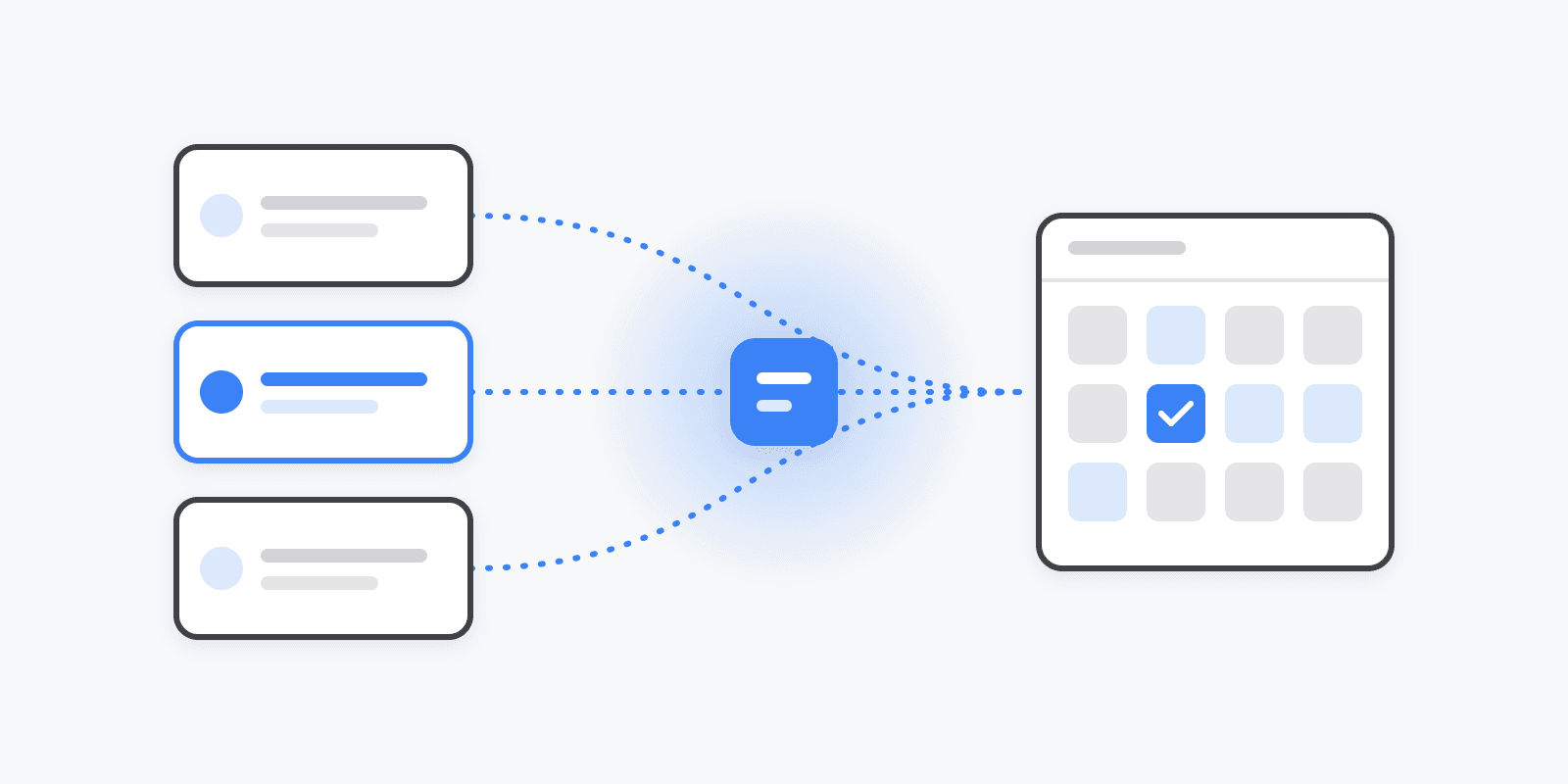
Since it's the same connector, you can use all three against the same Schedulin calendar. Plenty of people do: Manus runs a Monday research-and-drafts task, they polish the drafts in Claude, and they fire off quick posts from ChatGPT during the week. Everything lands in one queue with one set of analytics.
Whichever you use, two habits make it safer:
- Ask for drafts when you want to review before anything goes live — especially for anything running unattended.
- Let it check platform rules first. Each network has different limits. The connector exposes them, so the AI can fit the post before it tries, instead of failing after.
Get started
The Schedulin MCP server is included on every paid plan, starting at $5/month with a 7-day free trial. Pick your assistant: