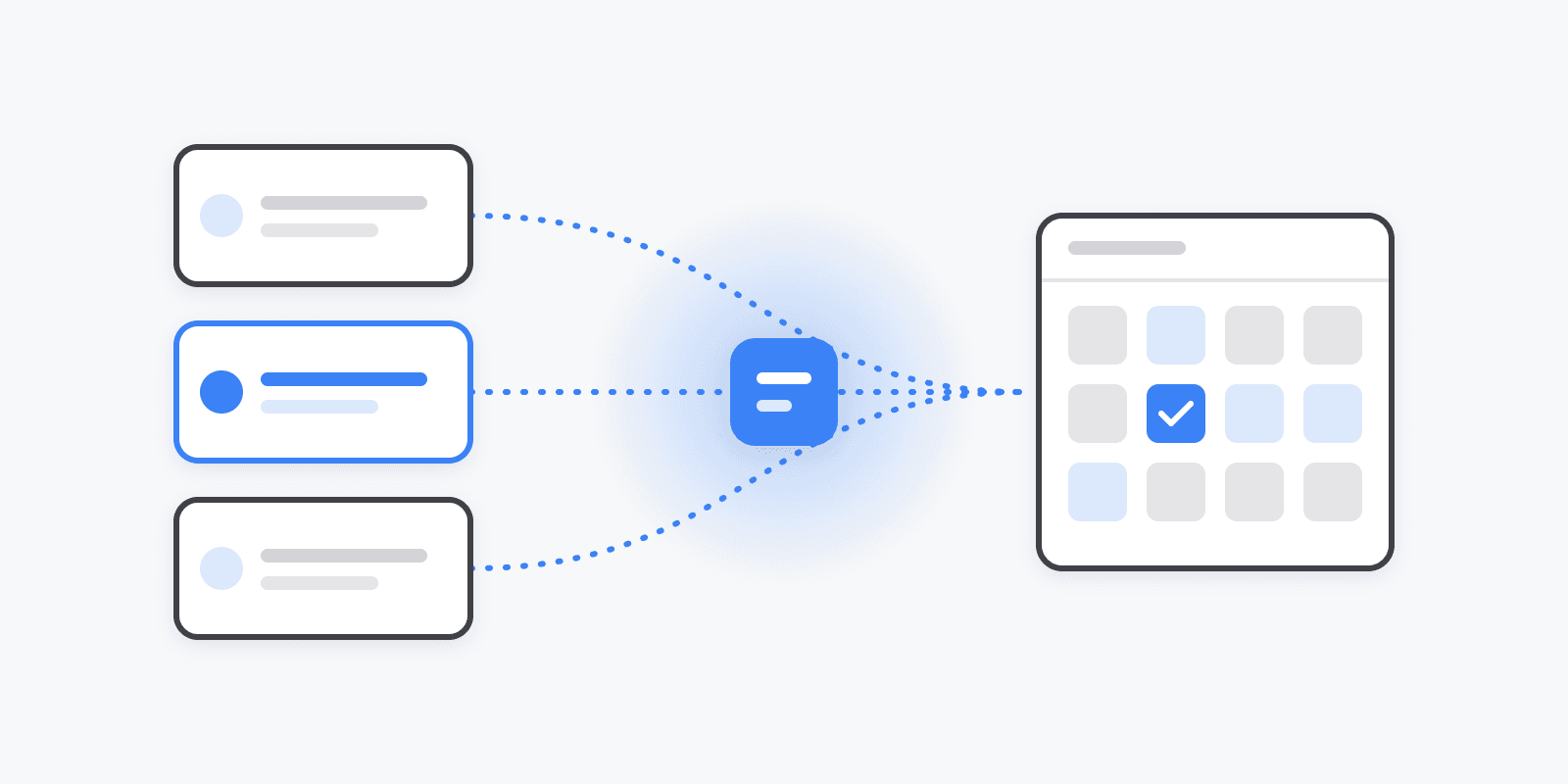
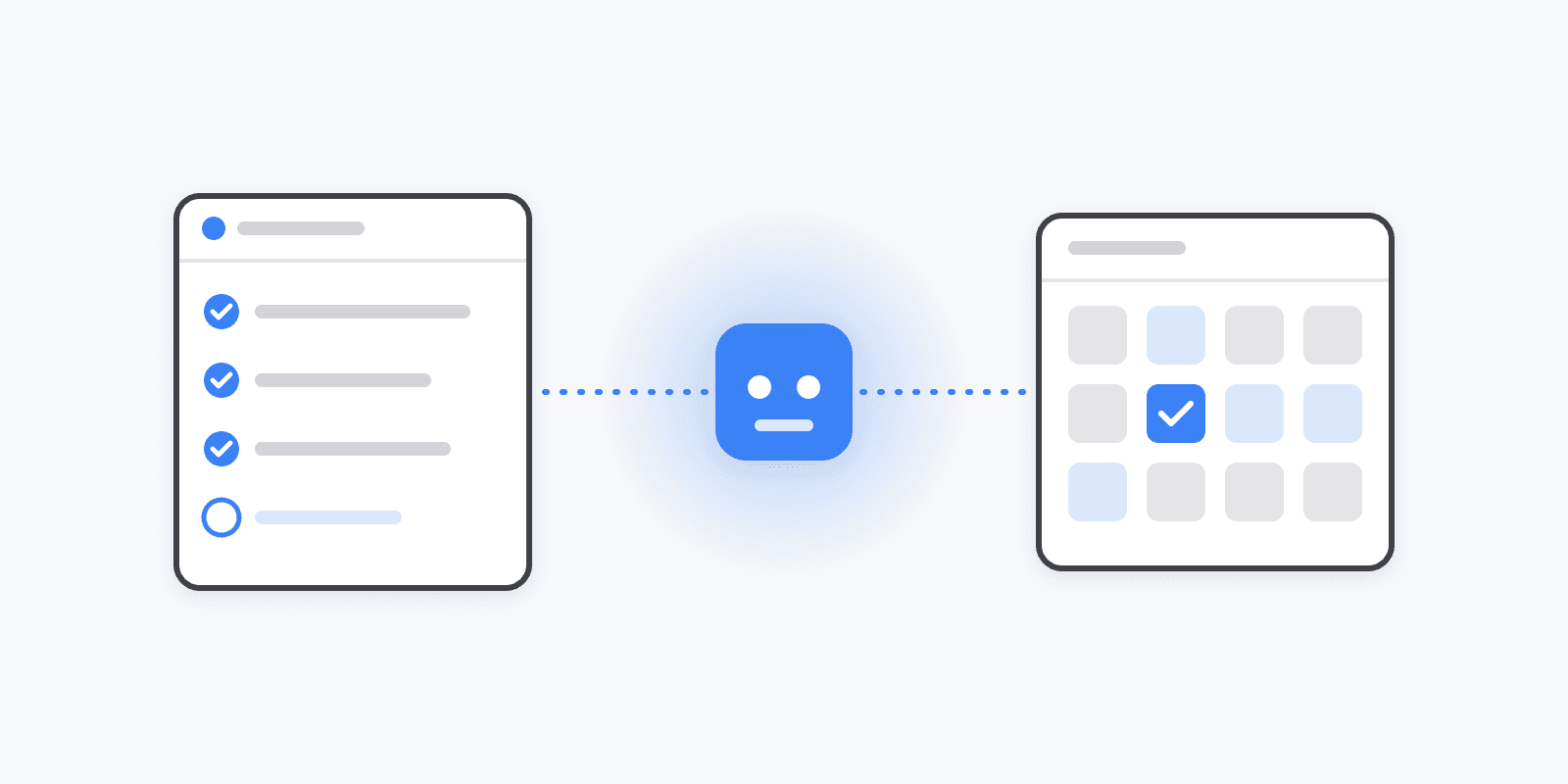
Schedulin is now an official ChatGPT app

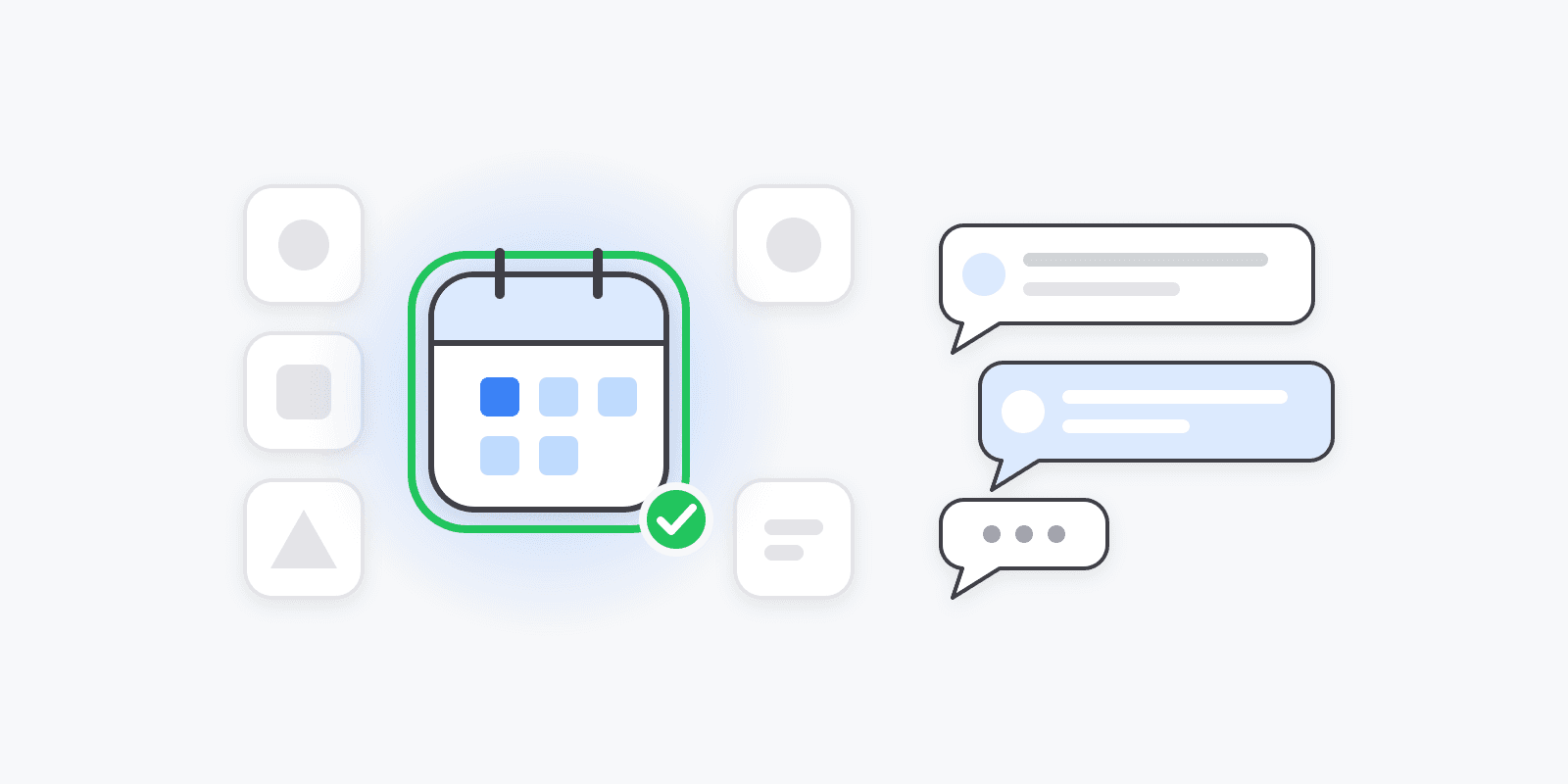
November 17, 2026 — Schedulin is now an official app in ChatGPT's plugin directory. It passed OpenAI's review, so connecting ChatGPT to your social media takes one click instead of a trip through developer settings.
What changed
Since we launched the Schedulin MCP server in July, ChatGPT users could already post through Schedulin. Getting there meant turning on developer mode, creating a custom connector, and pasting a server URL. It worked, but plenty of people stopped halfway.
Now it's the same as any other ChatGPT app:
- Open Schedulin in ChatGPT, or search "Schedulin" under Plugins.
- Click Connect, sign in to Schedulin, and approve access.
- Start a new chat and ask.
You don't need developer mode, a server URL, or an API key.
What you can ask it
ChatGPT posts to the social accounts you've already connected in Schedulin — TikTok, Instagram, YouTube, X, LinkedIn, Facebook, Pinterest, Threads, Bluesky, Reddit, and the rest. A few things people do with it:
- "Write a launch post for X and LinkedIn about our new pricing page. Make the X one shorter. Okay, schedule both for tomorrow at 9."
- "Turn these five blog titles into a week of posts across all my channels, one per weekday."
- "Generate an image for this campaign and add it to next week's Instagram post."
- "Show me everything scheduled this week and move Thursday's post to Friday morning."
- "How did last week's posts perform? Give me the top three by engagement."
Before it posts, ChatGPT checks each platform's rules (caption limits, media types, required fields like a Pinterest board or TikTok creator settings), so a post that would be rejected gets fixed before it's sent.
You stay in control
- OAuth sign-in. ChatGPT never sees your social media passwords. You approve access on a Schedulin consent screen, scoped to one workspace.
- Drafts first, if you want. Ask it to "save these as drafts for my review," and nothing goes live until you schedule it yourself in Schedulin.
- Revoke any time under Settings → API & Apps in Schedulin.
Using a different assistant?
The same MCP server works with Claude, Manus, Cursor, Notion, Perplexity, n8n, and any MCP client. See the MCP guide for setup, or the ChatGPT setup page for a platform-by-platform cheat sheet and prompt ideas.